A useful service-business email gives the right client a relevant reason to respond. Seasonal maintenance, repeat service and a practical reminder can all be useful, but sending the same promotion to the entire client list usually creates unnecessary noise. Start with the service need and permission, then work back to the message.
What to take into your next workday.
- Use relevant, explicitly opted-in audiences.
- Match the campaign to real service capacity.
- Review linked work and payments without overstating attribution.
In this guide+
Choose an audience with a real service need
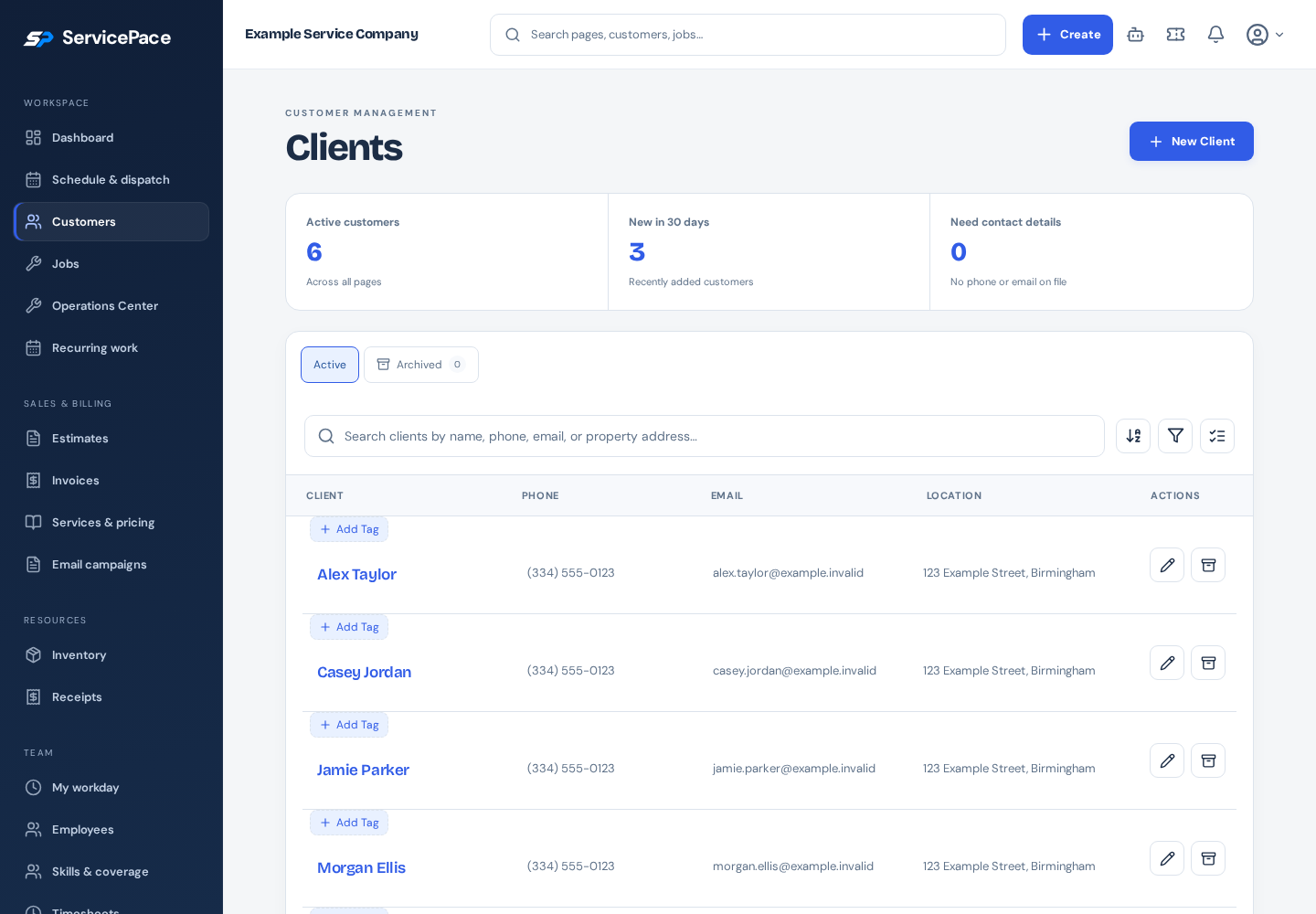
Select a segment relevant to the work being offered. A prior service record may help identify timing, but it does not automatically establish marketing permission. Review the actual eligible recipients rather than relying on the size of the whole client directory.
Keep residential and commercial expectations in mind. A homeowner planning maintenance and a property manager coordinating several sites may need different details. Use available audience filters to improve relevance, not to manufacture consent.
Make the message specific
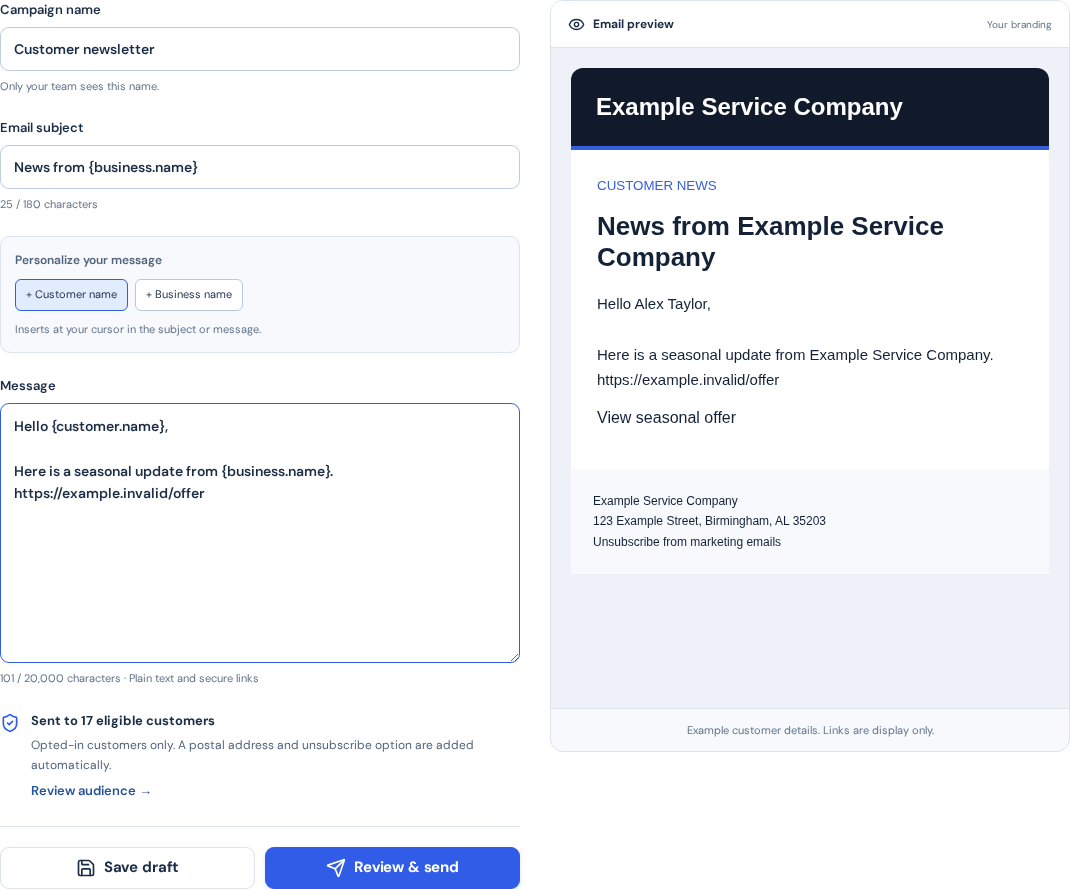
Use a subject that describes the service or reason for contacting the client. Explain the next step in plain language and keep the main action easy to find on a phone. Avoid unsupported savings, guarantees or artificial urgency.
If you mention pricing or an offer, include the practical conditions needed for a fair decision. Review the message as a recipient would: which service is being offered, who provides it and what happens after clicking?
Plan sending around capacity
Schedule campaigns when the business can respond to the resulting requests. A successful promotion can still disappoint clients if the team has no realistic capacity for the appointments being invited.
Review subscription eligibility, monthly allowances and sending safeguards before scheduling. In ServicePace, campaign access and limits depend on the plan, and sending requires the appropriate subscription and recipient permission.
Connect responses to saved work
Use supported campaign links and booking workflows so the resulting request can be connected to a client and job. Review the linked invoice and recorded payments when evaluating the campaign.
Recorded attribution is evidence of the path captured in the system, not proof that the campaign caused every sale. Compare the same period and use actual costs when evaluating contribution rather than reporting revenue as profit.
Improve one decision at a time
After a campaign, review eligible audience size, responses, resulting work and exceptions. A low response may reflect an unclear offer, wrong timing or weak fit. Do not assume that sending more often is the answer.
Respect opt-outs and keep future messages relevant. Use the documentation to review audience settings, campaign controls and marketing results before repeating a sequence.
Put this into practice
ServicePace operations guidance for service business owners. Adapt the steps to your team, service agreements and local requirements. Product features and limits vary by plan.
Keep the details connected.
Explore the client, scheduling and billing workflow for your business.