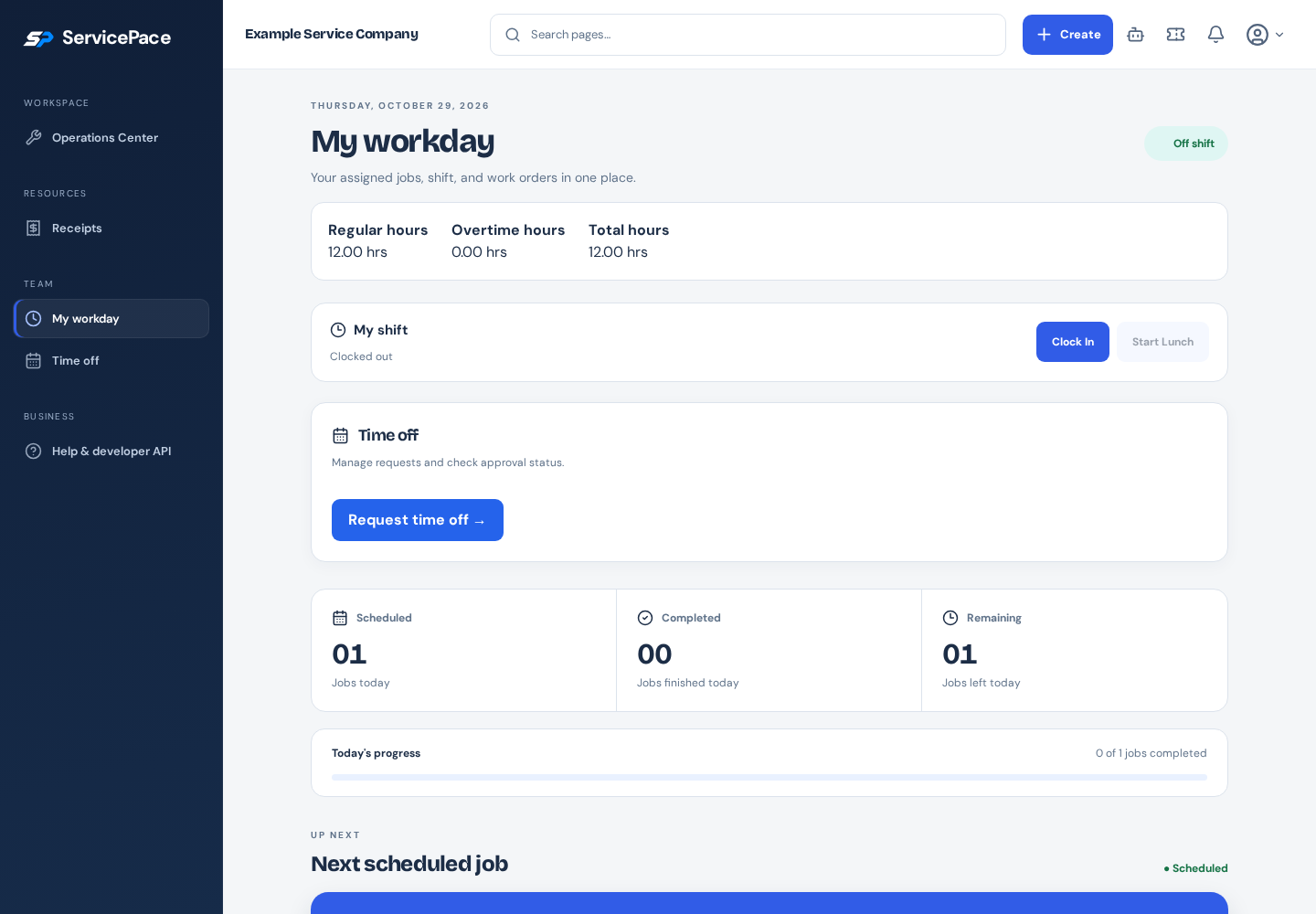
A timesheet review should answer a few concrete questions: which hours are recorded, which entries are incomplete, which corrections are justified and who approved the result. It should not require the office to reconstruct every day from memory. A consistent weekly routine makes exceptions easier to find and explain.
What to take into your next workday.
- Review the correct week and incomplete entries.
- Avoid adding shift and job time into one total.
- Keep timesheet approval separate from actual payroll payment.
In this guide+
Start with a clear recording policy
Tell employees which clock mode the business uses, how to record breaks and which job activities need separate time entries. A field employee should not have to guess whether driving, a supply stop or a return visit belongs in a particular record.
Use individual accounts so the recorded work can be attributed correctly. Keep employment and compensation information accurate, and review the applicable wage and payroll requirements with the person responsible for that process.
Review the correct period
Select the review week and confirm the business timezone. Search or filter employees to work through the people needing attention rather than scrolling an unstructured list.
Look for open entries, missing clock-outs and unusual overlaps. Compare the saved record with job assignments and the employee's explanation before making a correction.
Keep shift time and job time separate
Shift time and time recorded against jobs can describe different measurements. Adding both totals together can double-count hours. Decide which source is used for payroll review and which is used for job-cost analysis.
Estimated overtime and gross pay are review aids, not a completed payroll calculation. Salary treatment, effective rates, overtime rules and other adjustments can produce differences between operational estimates and final payroll.
Make approval mean a review occurred
Correct entries only within your permission and with a clear basis. Review the resulting hours before approving. Export the approved records needed by your payroll process rather than sending an unexplained total.
Approval and CSV export do not transfer money to an employee. ServicePace does not collect employee banking details. Complete payment, tax and reporting steps with your payroll provider and confirm that the handoff was completed.
Improve the next period
Repeated incomplete entries may point to a confusing policy or a difficult mobile workflow. Review a few real examples with the team and address the source rather than correcting the same pattern every week.
ServicePace timesheet and payroll-option guides explain the available review controls. Use those controls to make the records more reliable, while keeping the employer's policy and payroll responsibilities clear.
Put this into practice
ServicePace operations guidance for service business owners. Adapt the steps to your team, service agreements and local requirements. Product features and limits vary by plan.
Keep the details connected.
Explore the client, scheduling and billing workflow for your business.