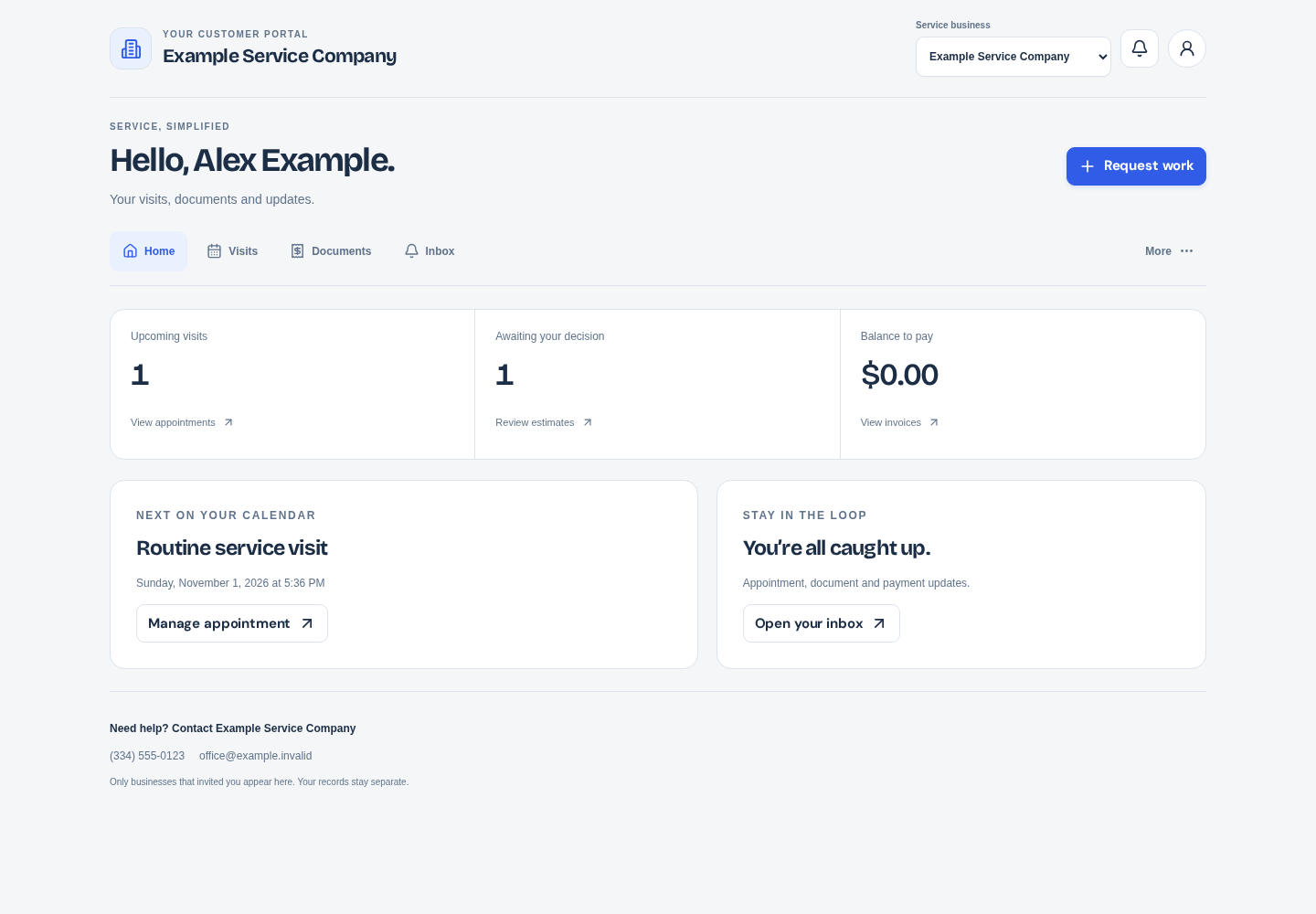
A client portal works best when it reduces uncertainty. The client should be able to find the current estimate, understand an invoice and see the next confirmed visit without searching through old messages. Clear sharing and account boundaries matter as much as the number of documents displayed.
What to take into your next workday.
- Select the correct business before reviewing documents.
- Estimate approval, payment and appointment confirmation are separate steps.
- Check processing payments before attempting another payment.
In this guide+
Start with the correct client relationship
Use the invitation or supported access flow from the service business. Client sign-in is separate from the business employee workspace. If a client works with more than one business, select the correct relationship before reviewing documents.
A portal account does not provide access to other clients or the business's private operational records. If something is missing, check which client record and business the document belongs to instead of creating another account.
Keep the approval decision clear
An estimate should explain the proposed work, quantities and price. Review the terms and ask the service business about anything unclear before accepting. Approval of a proposal is different from paying an invoice or confirming an appointment.
Businesses should keep the accepted scope connected to the subsequent work. If the proposal changes materially, use a clear revision and approval process rather than assuming a client will notice that a document changed.
Understand the balance before paying
Review the invoice total, recorded payments and remaining balance. A payment that is processing should be distinguished from one that failed. Avoid paying the same amount again simply because final processing is not complete.
Use the secure payment controls provided for the invoice. If a balance looks wrong, contact the service business with the invoice reference. Do not send full payment-card details through a message or support chat.
Use notifications as a path to the record
The inbox can bring estimate, invoice, payment and appointment updates together. Open the relevant record to see the actual state instead of treating a notification title as the entire history.
Review email preferences using the available account controls. Optional review invitations and service updates may have separate settings. The business must still respect the permissions attached to each communication.
Make the next request useful
When requesting work, describe the service, location context and access needs. A preferred time is a request until the business confirms an appointment. Keeping that distinction visible prevents avoidable scheduling disputes.
ServicePace's portal provides the information a business shares through the supported workflow. Use the documentation for account access and payment questions, and contact the service business for questions about the actual work.
Put this into practice
ServicePace operations guidance for service business owners. Adapt the steps to your team, service agreements and local requirements. Product features and limits vary by plan.
Keep the details connected.
Explore the client, scheduling and billing workflow for your business.